Obsidian
Obsidian
$80 / year
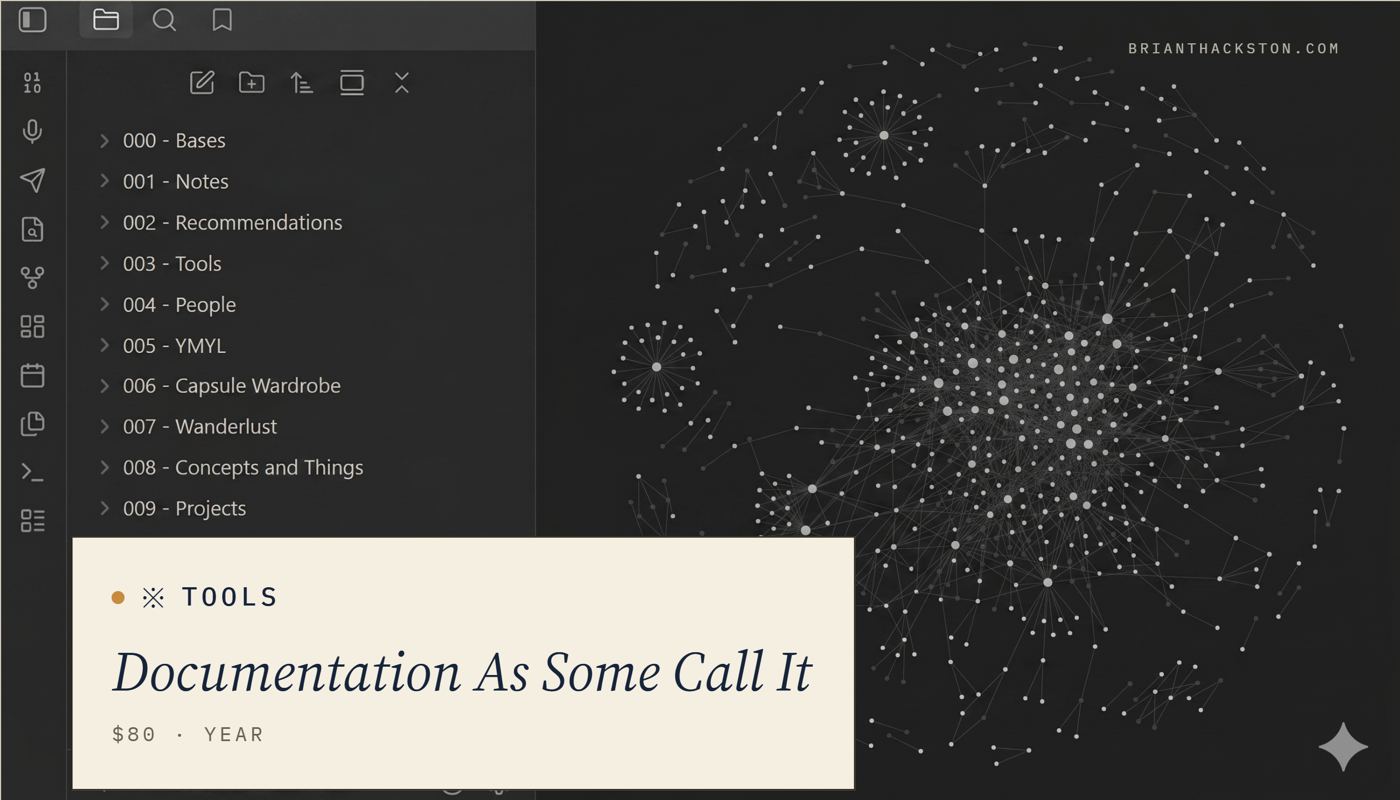
There are more than just a few ways to get me to talk profusely, passionately, and consistently. Notetaking (pens, notebooks, systems, et al) is one of them. Documentation as some call it.
For time eternal, I have jotted down my thoughts and drawings and diagrams and whatnot. I have an 8 foot by 10 foot whiteboard in my teeny, tiny home office AKA The Laboratory. I love writing in all its forms (which is why I'm now trying to be better about sharing my writing vs. hoarding it).
You could consider me a Notion poweruser. But since adopting and powerusing Notion, I've gone from primarily multi-player documentation needs to single-player almost exclusively (save for the "Wanderlust" event which transforming an Obsidian markdown file into a lowest-common-denominator Google Sheet more than suffices).
With Obsidian, I am paying far less, it's loved by Claude for ai-infused-work, and it's safely secured in multiple places so if something were to ever happen to my Google Account (e.g. I protest something that somebody somewhere doesn't like) then I won't lose my digital life's work. Unlikely, but the older I get and the more DECADES of notes I accumulate, the more valuable the "safely backed up locally and in the cloud" feature becomes.
It's hard to learn, but easy-ish to master if you stick to the core principle of optimizing your "time-to-take-note" metrics alongside volume, frequency of re-referencing, and what the goal of notetaking as exercise actually is. And there is some jank but it’s a different sorta product from something super-polished (so
Anywho, I'll have a lot more to add here as I transform my digital archives. I'm ~6 months into the Notion to Obsidian transition (which again, isn't a slight on Notion just a reflection of my single-player priorities).
Obsidian Tips for Getting Started
- Do not use any plugins other than the core ones to start
- The official sync is worth it unless you’re a computer freak
- Use the Daily Note feature primarily, that exercise will train you for good notetaking habits inside (and outside) Obsidian
- You can paste a picture in and then move the file to a different folder with a right click
- The folders are simply desktop folders and you should right click to have them take a look where and how they live
- The web clipper is worth installing on your browser but try to limit being a hoarder (e.g. I have a “link swipe” in the daily note where I share links I’m not certain need to be saved word-for-word in case of link rot;' the best I actually clip)
- My structure is simple: 9 folders with some subfolders. Those folders basically echo the sections on this website
- Graph view is a novelty; amusing, interesting visual display but ultimately not meaningful to how well your vault is working and how you should structure your setup (which needs to prioritize intuitive-use over analysis-paralysis)


